How to Create Personalized Invitation Links for Guests
Interactive Features
Invitation Website
RSVP Management
Features
Guest Management
Personalized Invitation
By Link of Time • Published Feb 11, 2026 • Updated Mar 08, 2026
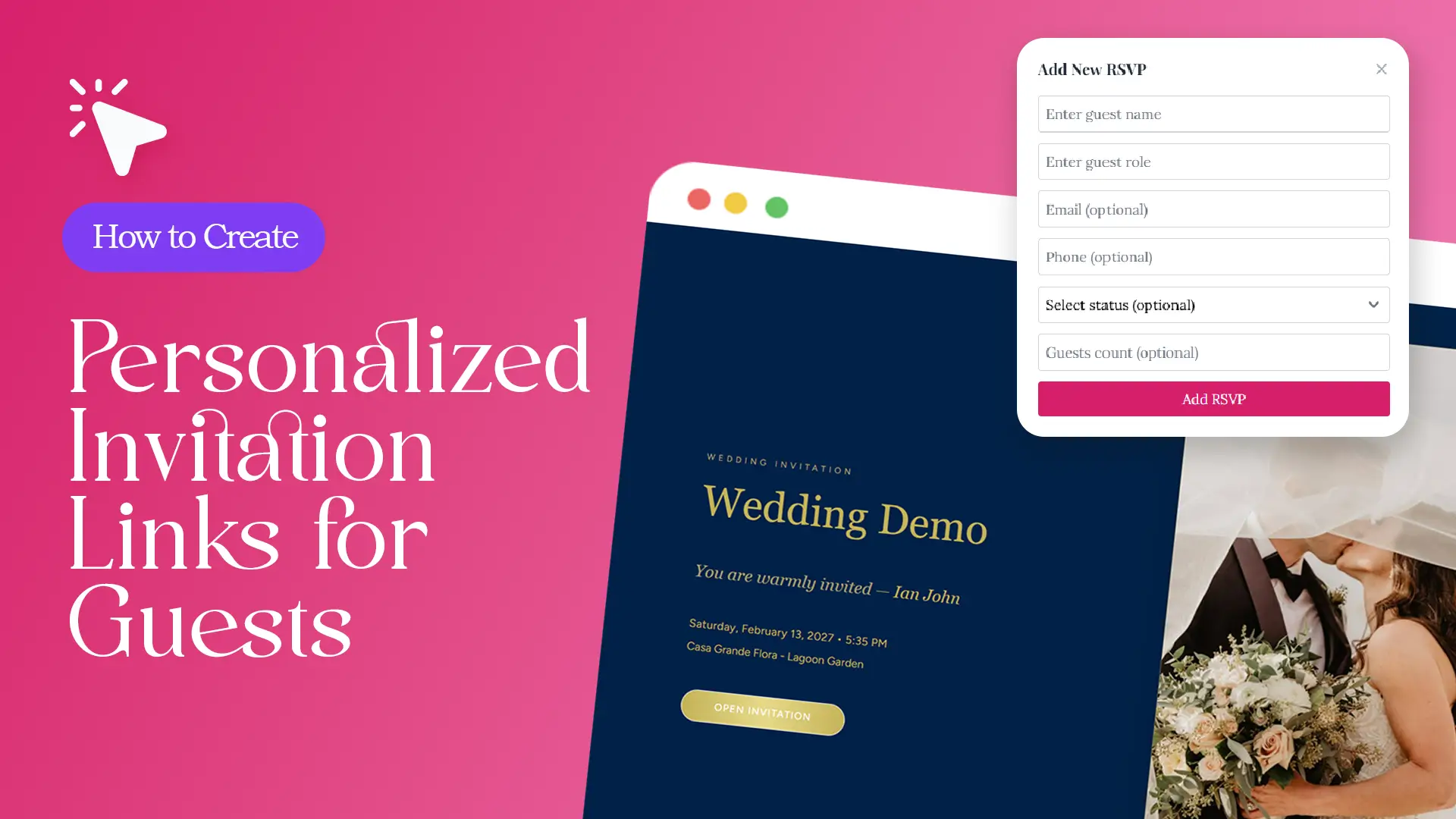
Sending invitations is easy. Making guests feel personally invited? That’s where personalized invitation links make a real difference.
Instead of sending the same generic event link to everyone, personalized invitation links allow hosts to share unique URLs for each guest—links that automatically display the guest’s name, track their response, and update records in real time. In this guide, you’ll learn how to create personalized invitation links for guests, why they matter, and how Link of Time makes the process simple and scalable.
What Is a Personalized Invitation Link?
A personalized invitation link is a unique URL assigned to a specific guest. When opened, it:
- Displays the guest’s name on the invitation
- Connects responses directly to the correct guest record
- Eliminates duplicate or mismatched RSVPs
- Show the seating assignment of that guest after the RSVP deadline date.
This approach improves both accuracy and guest experience—something we’ve previously highlighted when discussing smart guest tracking.
Step 1: Create Your Invitation Website
Before generating personalized invitation links, you’ll first complete Link of Time’s three-step invitation website setup. This includes:
- Designing your invitation
- Adding event details
- Publishing your invitation website
Once published, your invitation is ready to accept guests and responses.
Step 2: Access Your Event Management Dashboard
Link of Time gives hosts two easy ways to access their event dashboard, where personalized invitation links are created.
Option 1: Access via the Invitation Page
At the bottom of your live invitation website, click “Access Owner Page.”
If you’re not logged in, the system will prompt you to enter your event password before opening the dashboard.
Option 2: Access via Your Account
If you’re already logged in:
- Go to your Events List
- Select your event
- Click Manage Event
Both paths lead to the same event management dashboard—your central hub for guest management.
Step 3: Add Guests to Your Event
Inside the event dashboard, you can start building your guest list in two ways:
- Add guests individually for smaller or private events
- Upload guests in bulk for weddings, corporate events, or large celebrations
Each guest added becomes a unique record in your system, ready to receive their own personalized invitation link.
This process complements centralized guest tools we covered in streamlined event dashboards.
Step 4: Copy and Share Personalized Invitation Links
Once guests are added, the magic happens.
In the guest table:
- Each guest row includes an “Invitation Link” button
- Clicking the button instantly copies the personalized invitation link for that guest
- You can paste and share the link via WhatsApp, email, SMS, or any messaging app
When guests open their link, they’ll see their name on the invitation and RSVP with confidence—no confusion, no extra steps.
Why Personalized Invitation Links Matter
Accurate Guest Tracking
Personalized links ensure every RSVP is tied to the correct guest, eliminating guesswork and manual corrections.
Better Guest Experience
Seeing their name on the invitation reassures guests that the event is meant for them—not just another forwarded link.
Fewer RSVP Errors
According to NN/Group, personalization reduces user friction and increases form completion accuracy.
Real-Time Updates
Each response updates instantly in your dashboard, keeping your guest list current at all times.
Best Practices for Sharing Personalized Invitation Links
- Share links privately, not in group chats
- Use personalized links for VIPs or guests with plus-ones
- Combine with reminders for guests who haven’t responded
Event professionals often recommend personalized links to reduce RSVP confusion, as noted by Event Manager Blog.
.
Frequently Asked Questions (FAQ)
Conclusion: Invite Smarter With Personalized Links
Personalized invitation links transform the way hosts manage guests—making invitations feel intentional while keeping RSVP tracking accurate and effortless. With Link of Time, creating and sharing these links takes just a few clicks.
👉 Start using personalized invitation links today and give every guest an experience that feels truly personal.
Comments
Join the conversation and share your thoughts.
No comments yet
Be the first to share your thoughts.