How to Use Guest Count Tracking for Event Planning
By Link of Time • Published Mar 19, 2026 • Updated Jun 01, 2026
Introduction
One of the most important numbers in any event is the guest count. From catering portions to seating arrangements, nearly every aspect of event planning depends on knowing exactly how many people will attend. Without a reliable system, hosts often rely on rough estimates or manual tracking, which can easily lead to mistakes.
That’s why modern invitation websites now include guest count tracking tools. Instead of guessing how many people are coming, hosts can monitor confirmed attendees, plus-ones, and RSVP responses in real time.
In this guide, you’ll learn how to use guest count tracking for event planning, how it improves organization, and how it helps you prepare your event more accurately.
Why Guest Count Tracking Is Essential
Many hosts assume that guest count simply means counting invitations sent. In reality, it’s about tracking actual attendees, including additional guests and RSVP changes.
Without a structured system, problems like these often occur:
- Ordering too much or too little food
- Running out of seats or tables
- Miscalculating venue capacity
- Forgetting to account for plus-ones
Using a guest count tracking feature allows you to maintain a live record of attendance as guests confirm or decline invitations.
If you’re already managing RSVP responses through your event dashboard, you’re likely familiar with tracking RSVP statuses and guest responses.
Understanding Guest Count in Your Event Dashboard
In Link of Time, the guest count is automatically calculated based on the RSVP data stored in your guest list table.
Each guest entry can include:
- Guest Name
- Role (optional)
- Contact details
- RSVP Status
- Guest Count (plus-ones)
When a guest confirms attendance and includes additional attendees, the system adds those numbers to your total confirmed guest count.
| Guest | RSVP Status | Guest Count |
|---|---|---|
| Maria Santos | Confirmed | 2 |
| John Cruz | Confirmed | 1 |
| Anna Reyes | Confirmed | 1 |
In this case, the total confirmed guest count is 3 attendees, even though three invitations were sent.
This distinction is crucial when planning logistics.
How to Use Guest Count Tracking Effectively
1. Add Accurate Guest Information
Start by adding guests to your event dashboard. When entering details, include the guest count field if you already know they will bring companions.
If you need to update this later, you can modify their RSVP using the editing tools described in updating guest responses as the host.
2. Monitor Confirmed Guest Totals
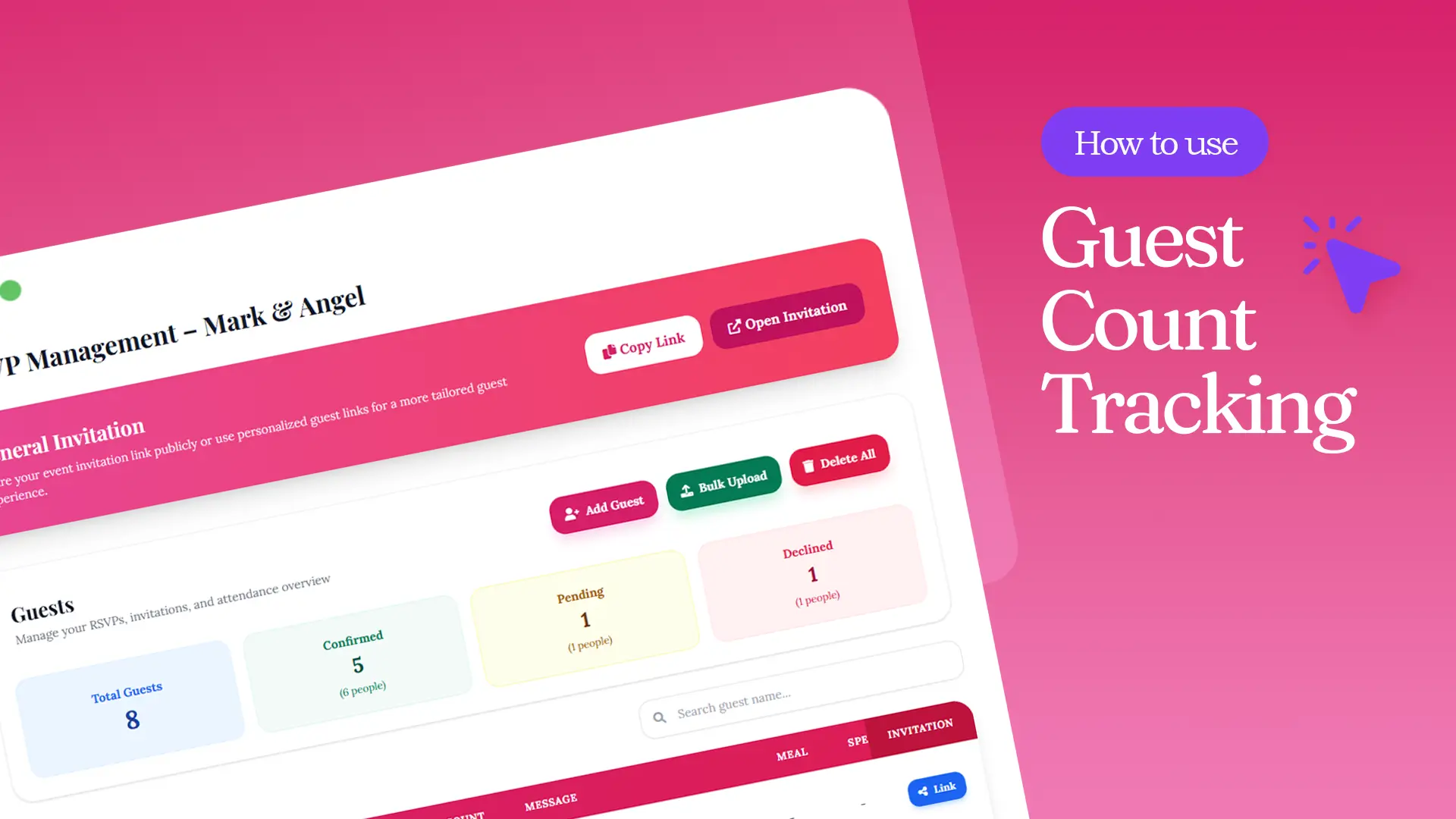
Your dashboard typically displays three main categories:
- Confirmed
- Pending
- Declined
The confirmed category is the most important for guest count tracking. This number reflects how many people you should plan for in seating, catering, and venue layout.
Checking this regularly allows you to adjust plans as responses come in.
3. Account for Plus-Ones
Many events allow guests to bring companions. Without a guest count field, these additional attendees often get forgotten.
By tracking guest count per RSVP, the system automatically includes these companions in your total attendance.
This helps ensure you have enough:
- Meals
- Seats
- Event materials
- Giveaways or favors
4. Update Guest Counts When Plans Change
Guests sometimes change their attendance plans after submitting their RSVP.
Examples include:
- Adding a companion
- Canceling attendance
- Changing the number of guests attending
When this happens, simply edit the RSVP entry in your dashboard. The guest count totals will update automatically.
Practical Example of Guest Count Planning
Let’s say you are planning a wedding reception for 100 invited guests.
After RSVPs arrive, the numbers look like this:
- Confirmed: 65 guests
- Pending: 20 guests
- Declined: 15 guests
However, when including plus-ones, your confirmed guest count becomes 82 people.
Without proper guest count tracking, you might mistakenly prepare for only 65 attendees.
According to Eventbrite’s event planning guide, accurate attendance forecasting helps planners optimize budgets and avoid overspending on resources: https://www.eventbrite.com/blog/event-planning/.
Tips for Managing Guest Count Efficiently
To make the most of guest count tracking, consider these best practices:
Check your guest list regularly
Review updates weekly as RSVPs arrive.
Encourage guests to RSVP early
Clear RSVP deadlines help finalize your headcount sooner.
Update offline confirmations immediately
If someone confirms through text or social media, add or edit their RSVP in your dashboard.
Review numbers before final vendor confirmations
Always double-check your confirmed guest count before confirming catering or venue arrangements.
These simple habits help ensure your event planning decisions are based on accurate data instead of rough estimates.
Frequently Asked Questions
Conclusion
Accurate guest numbers are the foundation of successful event planning. With guest count tracking, hosts can monitor attendance, account for companions, and make informed decisions about seating, catering, and logistics.
By using your event dashboard to track RSVP responses and guest totals, you eliminate guesswork and keep your planning organized.
If you want to simplify guest management and track attendance automatically, start using an invitation website that includes built-in guest count tracking for every event.
Comments
Join the conversation and share your thoughts.
No comments yet
Be the first to share your thoughts.