How to Edit or Update Event Details After Sending Invitations
By Link of Time • Published Feb 15, 2026 • Updated Mar 08, 2026
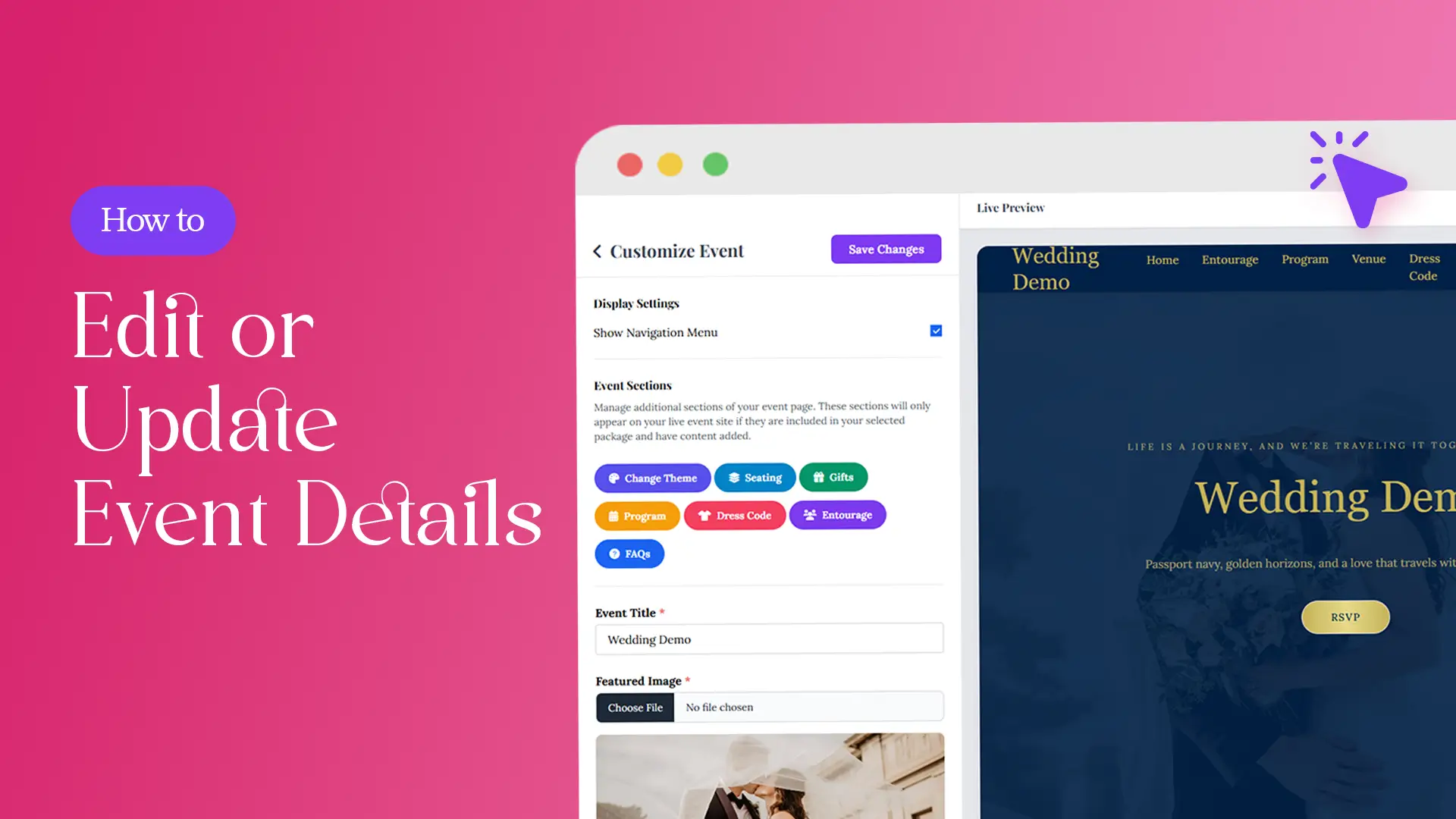
Event plans aren’t always set in stone. A venue changes, the schedule shifts, or you need to clarify details for your guests—whatever the reason, updating your event information shouldn’t be stressful. With Link of Time, you can edit event details even after invitations have been sent, while keeping everything synced in real time.
In this guide, you’ll learn how to edit or update event details after sending invitations, what changes apply instantly, and how your package affects what can be modified.
Can You Edit an Event After Invitations Are Sent?
Yes—editing event details is possible even after guests receive their invitation links. When updates are saved, changes appear in real time on your invitation website, so guests always see the most current information when they open the link.
This flexibility is especially useful when managing last-minute updates alongside guest response tracking.
This flexibility is especially useful when managing last-minute updates alongside guest response tracking.
Where to Edit Event Details in Link of Time
All event updates are handled inside your Event Dashboard.
Step-by-Step: How Editing Works
- Log in to your Link of Time account
- Go to your Events List
- Click Manage Event
- Select the Edit Event button
Once clicked, you’ll be taken back into the event creation wizard, the same 3-step process used when you first created your invitation website.
💡 For now, editing uses the wizard flow. In future updates, this may change to a dedicated edit interface—but currently, all updates go through these steps.
What You Can Update in the Event Wizard
As you move through the wizard, you can update key event details such as:
- Event title
- Date and time
- Location details
- Images and galleries (based on package)
- Sections like schedule, FAQs, guestbook, and more (This is not supported right now)
Each step allows you to review and refine information before saving.
Once saved, updates are applied immediately—no need to resend invitation links.
Once saved, updates are applied immediately—no need to resend invitation links.
Real-Time Updates: What Guests Will See
When you update your event:
- Existing invitation links remain valid
- Guests automatically see the updated details
- RSVP submissions continue without interruption
This makes Link of Time ideal for events where plans evolve over time, especially when paired with personalized guest access.
Editing Limitations Based on Your Package
Your ability to edit certain elements depends on your selected package.
Free Package (Template Invite)
The Free package uses fixed templates. You can update basic event details through the wizard, but:
- Layout and design are locked
- Custom sections and styling are not editable
Paid Packages (Lite to Ultimate)
Paid plans unlock additional editable elements such as:
- Galleries and media
- Guestbook and RSVP notes
- Seating and schedules
You can review full package details here:
👉 https://linkoftime.com/packages
Custom Code Events
If your invitation website includes custom-coded elements, updates must be handled by the Link of Time team. Simply contact support, and your changes will be applied safely without breaking the design.
For context on why structured updates matter in digital events, platforms like Cvent, emphasize real-time accuracy as a key factor in guest satisfaction.
Best Practices When Updating Event Details
- Make updates as early as possible to avoid guest confusion
- Double-check date and time changes before saving
- Review all wizard steps—even unchanged ones—before publishing
- For major changes, consider notifying guests directly
Frequently Asked Questions (FAQ)
Conclusion: Update With Confidence, Anytime
Event details change—but your planning doesn’t have to fall apart. With Link of Time, you can easily edit or update event details after sending invitations, keeping everything accurate, professional, and guest-ready.
👉 Log in to your Event Dashboard today and keep your invitation website perfectly up to date.
Comments
Join the conversation and share your thoughts.
No comments yet
Be the first to share your thoughts.